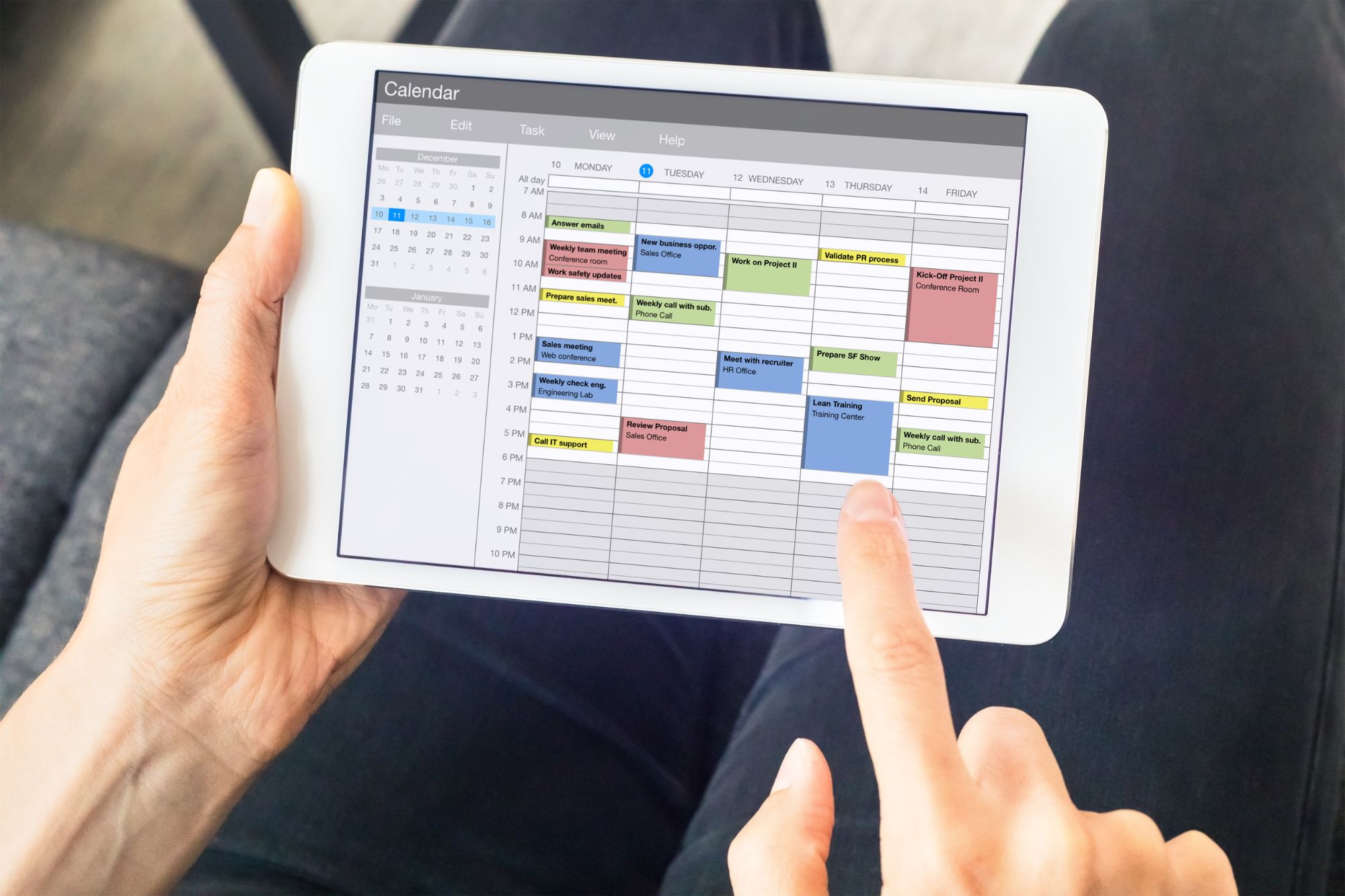
Many freelancers and small businesses operate based on appointment scheduling for their services. Some examples are Yoga studios, Clinics or even Tuition Centres. Traditionally, this has been handled by arrangements which are made over text or e-mail. Cancellations and rescheduling is troublesome, and no-shows cause loss of income since the timeslot is blocked out and made unavailable to other customers.
Appointment scheduling software or apps can solve this by automating this process. These apps can be embedded into webpages, allowing customers to book, reschedule or cancel appointments.
When appointments are booked, they appear on the staff’s calendar and block off that timeslot. Should the staff happen to have a meeting or other appointment on the calendar, the apps can prevent booking by closing the timeslot. These apps also come with cancellation/rescheduling policies to prevent last-minute changes, and also have the option to add buffer time before and after each booking.
Here are 5 handy appointment scheduling software that you can use to manage customer appointments.
#1 Acuity
Acuity can be synchronised to Google Calendar, iCloud or Outlook.
Like all the other appointment scheduling software, Acuity allows you to set appointment types (with pre-defined durations) and set the available time range (eg. 9am – 5pm) where customers can make appointments for that appointment type within the available time range.
However, aside from this, Acuity allows you to schedule a class at a specific timeslot for booking. This is useful especially for businesses that conduct classes because this appointment can simply be duplicated or scheduled for recurring classes.

Acuity supports point-of-sale through Stripe, PayPal and SquarePay. The Growing and Powerhouse tier of
Acuity does not have a free version. It does have a 7-day free trial for you to try out the user interface.
| Emerging | Growing | Powerhouse | |
| Price Per Month (Paid Annually) | US$16 (S$21.46) | US$27 (S$36.22) | US$49 ($65.73) |
| Paid Monthly | US$20 (S$26.83) | US$34 (S$45.61) | US$61 (81.82) |
| No. Of Staff | 1 | 6 | 36 |
| Features | All Basic Booking Features | – Price Packages – Subscriptions, Memberships, Gift Certs | – Price Packages – Subscriptions, Memberships, Gift Certs – Multiple Timezones – Custom API and CSS |
Powerhouse is the most powerful of the three plans. Aside from basic booking features, and allowing for price packages or monthly subscription-based billing, it also allows a developer to make advanced customisations using the custom API and CSS to suit the needs of a larger business.
Read Also: Managing Employees In Southeast Asia: Public Holidays And Key Dates To Take Note
#2 Calendly
Calendly allows you to sync with Google Calendar, Outlook Calendar, iCloud Calendar and Exchange Calendar.
While Calendly does not allow class scheduling just like Acuity, one workaround is to set the available times so that only that specific timeslot appears for the class. This may be more troublesome for service providers offering multiple different classes, but it is sufficient for some use cases.
For example, you can set 16:00 to 17:00 followed by 19:00 to 20:00 so that only those two class timeslots appear for booking.

Calendly has a unique feature called routing which provides the customer with an intake form to fill in. Based on this form with simple questions, it will route the customer to book event types or match the user to a specific team member. This feature is only available on Teams or Enterprise plans.

Routing is especially useful for service providers which provide services to both businesses and individuals, and this helps to streamline the customer experience especially when it comes to booking services for the first time.
| Free | Standard | Teams | Enterprise | |
| Billed Annually | Free | US$10 (S$13.41) per staff every month | US$16 (S$21.46) per staff every month | Starts at $15K/year |
| Billed Monthly | Free | US$12 (S$16.09) per staff every month | US$20 (S$26.82) per staff every month | Starts at $15K/year |
| Features | – Only one event type – All basic booking features | – Group and Collective events – Automatic notifications – Automatic Follow-ups – Payment Integration – MailChimp and HubSpot CRM integration | – Marketo and Salesforce CRM integration – Routing from Hubspot, Pardot and Marketo forms | – Features discussed with Sales team – Offers enterprise security, admin control and support |
Most of Calendly’s basic features are available in the free tier, with features such as automatic notifications or point-of-sale features being offered only in the Standard plan and above.
Read Also: Singapore Business Owner’s Guide To Key Dates and Holidays In 2024
#3 Appointlet
Appointlet can be connected to sync with Google Calendar and Office 365+ Outlook.
Similar to Acuity, appointment booking is made by creating an appointment type and setting a time availability range for booking appointments.

| Free | Premium | Enterprise | |
| Billed Annually | Free | US$8 (S$10.73) per user every month | Contact support to arrange for pricing details |
| Billed Monthly | Free | US$10 (S$13.41) per user every month | |
| Features | – One Scheduling Page – Limited to 5 meeting types – Limited to 5 attendees – Limited to 3 intake fields | – No limits on scheduling type and attendees – Automated reminders -Stripe/PayPal integration for Payment Collection | – All Premium features – Priority Customer Support – Advanced Security Measures |
The main limitation of the Free plan is that it limits you to 5 attendees, and it lacks payment integration, but this may still be sufficient for small scale service providers.
Read Also: [2024 Edition] 16 Popular Co-Working Spaces For Your Business In Singapore
#4 SimplyBook.me
SimplyBook.me can be synchronised to a large number of different calendars, including Google Calendar, Apple Calendar and Outlook.
It also has an iOS/Android mobile admin app that allows you to manage bookings and edit appointment types. It also has a client app (not available for free plan) which clients can use to manage their appointments. Users can choose to make appointments from both the app and the web interface.
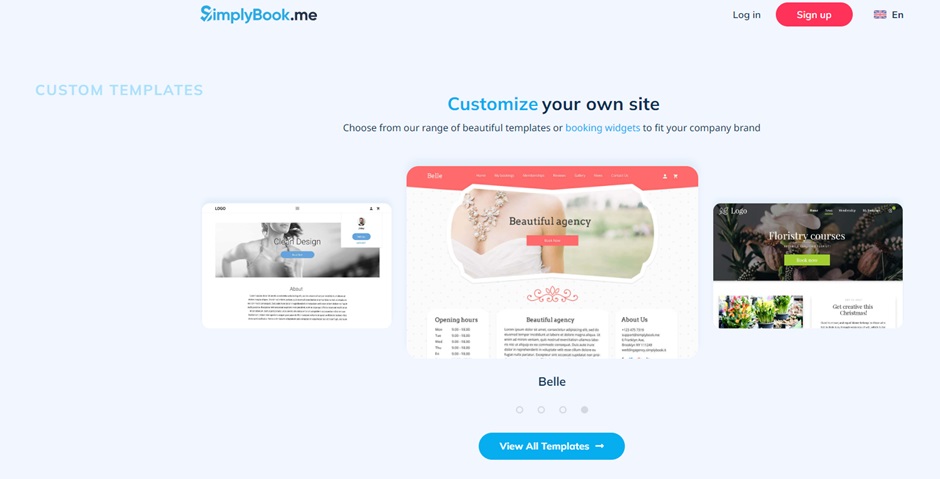
SimplyBook.me also has many template options and integrated widgets that can be customised via CSS code to suit the needs of your business.
| Free | Basic | Standard | Premium | |
| Billed Annually | €0 | €8.25/month (S$12.02) | €24.90 /month (S$36.28) | €49.90 /month (S$72.70) |
| Billed Monthly | €0 | €9.90/month (S$14.42) | €29.90 /month (S$43.56) | €59.90 /month (S$87.27) |
| Bookings Per Month | 50 | 100 | 500 | Unlimited |
| Custom Features | 1 | 3 | 8 | Unlimited |
| Staff | 1 | 5 | 15 | 30 |
| Features | -Basic booking features – No client iOS/ Android app – No Payment Services | – Integrated Payment – Gift Cards & Coupons | – Integrated Payment – Gift Cards & Coupons – HIPAA data privacy standards | – All other features – QuickBooks, FreshBooks, Xero integrations |
SimplyBook.me has the largest range of payment integrations, with Amazon Payment Services, Revolut, PayPal, Stripe, and Square among the list.
Aside from this, SimplyBook.me also boasts marketing tools as well as custom data insights, allowing larger businesses to spot customer trends to better serve them.
#5 YouCanBookMe
YouCanBookMe is very similar to the other booking services, except that this is more catered usage for students booking consultations with teachers or booking colleagues for meetings within a large company.

While YouCanBookMe is not packed with as many features as the other appointment scheduling software on the list, it has a very intuitive user interface. This makes it very simple to set up for simple appointment booking.
| Free | Paid Plan | |
| Billed Bi-Annually | Free | US9.60/month (S$12.02) |
| Billed Annually | Free | US10.80/month (S$12.02) |
| Billed Monthly | Free | US12/month (S$12.02) |
| Features | -Basic booking features | – Payment Integration |
YouCanBookMe also has payment integration with the paid plan, which makes this a suitable app for individual service providers such as Tuition teachers or Therapists.
Overview Of Apps’ Features
Aside from Acuity, all the appointment scheduling software/apps on our list provide basic appointment scheduling services synchronised with your calendar for free. All of the apps also come with integrated payment options, but you will need to pay a monthly subscription in order to use them.
Having an integrated payment system is better both for service providers as well as customers. It cuts down the workload required to track payments, and also ensures that payment is made when the slots are booked, cutting down on instances where the slot is booked but the customer cancels last-minute or does not turn up. Some of these apps also allow for accounting software integration (E.g. Xero or Freshbooks) to further automate your workload. Nevertheless, service providers still have the option to use digital payment options such as PayNow to receive payment.
Acuity and SimplyBook.me allows scheduling by the creation of distinct classes, which is more suitable for enrichment centres or tuition centres which may have multiple recurring classes of different types. A workaround for the other software is to carefully restrict the timeslots, but this is more troublesome.
Aside from this, SimplyBook.me has a large range of features such as apps for client and admin. It has templates for the booking interface, and can also provide data insights and reports.
Subscribe To The DollarsAndSense Business Pass
Enjoy what you are reading and want more? Join The DollarsAndSense Business Pass and unlock access to valuable tools, exclusive networking opportunities, and tap into the wisdom of industry experts to fuel your business expansion!