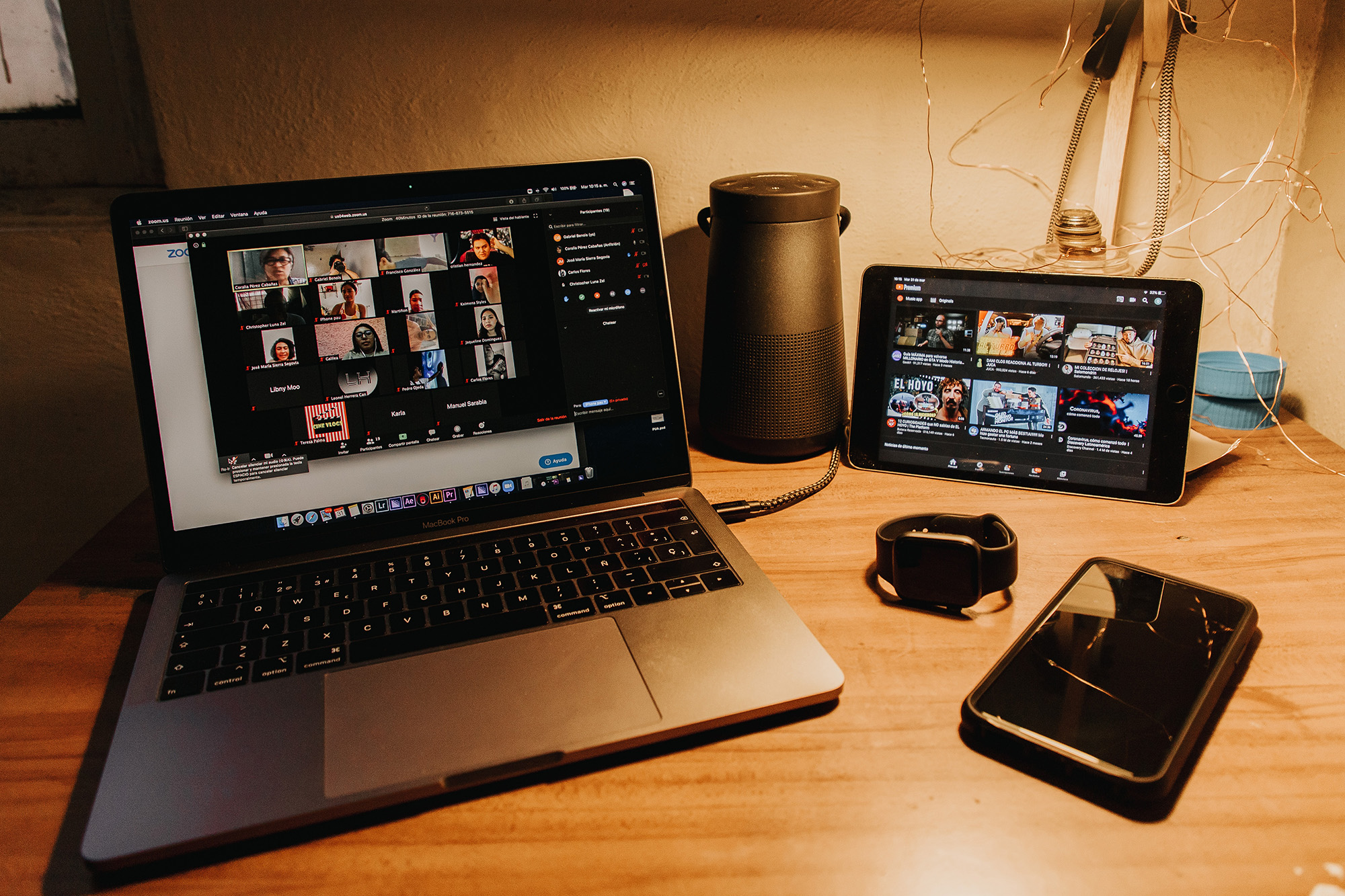
Having to inspire and engage a room full of people is challenging – imagine doing so through a small screen on your desk. Despite this, it is possible to ace your online presentations, to make them as effective and efficient as possible.
From incorporating interactive elements to simply being present, listed below are some tips to help better your online presentation.
#1 Be Present
Whether it’s presenting online or in-person, It’s important to keep your audience engaged. Instead of screen-sharing a deck of slides, consider turning your video feed on to better interact with your audience.
Also, refrain from constantly referring to your notes or toggling in-between devices to avoid distractions or loss of engagement.
#2 Include Interactive Elements
From polls to Q&A, there’re a variety of ways to engage your audience throughout a presentation.
Beyond driving active participation, build a rapport through injecting interesting anecdotes and encourage conversations.
#3 Simplify Your Slides, Then Simplify Again
Do away with chunky texts and incorporate visual representations or examples such as infographics and videos.
Not only will this help with the engagement level, but it’ll also help with keeping your presentation crisp and on-track.
#4 Don’t Be Afraid To Embrace Pauses
Pauses (especially overly long ones), can get a little uncomfortable during real-life conversations. It may be counter-intuitive, but it’s essential to avoid turning your online presentation into a monologue.
Don’t be afraid to pause during appropriate times, to encourage participation or questions from the floor. Lengthening your pauses at times can also prevent interrupting potential comments.
#5 Minimise Distractions
Prepare for your presentation by scouting for the quietest room/corner in the house. After all, nothing says distraction like the blasting sound of your parents’ favourite TV programme or your pet vying to get your attention.
Parents may also consider engaging the help of your partner or keep your child(ren) engaged with an activity before going into the presentation.
#6 Check Your Equipment
From testing the audio to ensure a stable connection, be sure to conduct a trial presentation before going into the actual one. The last thing you’d want is to discover that your mic isn’t working halfway into the presentation.
Read Also: Conducting Virtual Meetings? Here Are 6 Tips to Make Them More Effective
It’s Not Rocket Science, But It’s Not Child’s Play Either
It may take some time getting used to, but the key to conducting a great online presentation is keeping your audience engaged.
While active participation is important, keep in mind that you don’t have to answer all of the questions and instead, follow up with the relevant individuals post-presentation.
Subscribe To The DollarsAndSense Business Pass
Enjoy what you are reading and want more? Join The DollarsAndSense Business Pass and unlock access to valuable tools, exclusive networking opportunities, and tap into the wisdom of industry experts to fuel your business expansion!